Frequently asked questions

Learn how to organize appointments at your physical business, what BarberHi & SalonHi includes and the scope of its tools.

Request a free demo
Website + Booking App for barbershops, hair salons, and beauty salons. Website + App

Select a question to read the answer. You can keep several answers open at once.

Business types

BarberHi & SalonHi supports every business type listed below: barbershops, hair salons, beauty salons, aesthetic centers, manicure salons, pedicure salons and massage centers. All can manage appointments, clients, services and staff while serving clients at a physical location.

How does it work for barbershops?

Barbershops can manage client bookings, organize services by category, assign them to barbers and configure staff working hours and availability.

How does it work for hair salons?

Hair salons can organize their calendar, set service durations, assign professionals and create appointments with one or more services, as well as view each client’s appointment history.

How does it work for beauty salons?

Beauty salons can bring their services together in one catalog, organize them by category and manage bookings, clients, working hours and professionals from the control panel.

How does it work for aesthetic centers?

Aesthetic centers can organize service appointments, set durations, assign the professionals who provide them and check availability and client appointment histories.

How does it work for manicure salons?

Manicure salons can publish their nail services, set durations, assign professionals and manage bookings and working hours at their premises.

How does it work for pedicure salons?

Pedicure salons can organize services, manage appointments and client details and configure the availability of professionals working at the establishment.

How does it work for massage centers?

Massage centers and massage professionals who serve clients at a physical location can organize services by duration, manage appointments and configure their professionals’ shifts, working hours and absences.

Can I use it if I work independently?

Yes, if you serve your clients at a physical establishment. The calendar and client and service management tools are useful for both independent professionals and businesses with a team.

Does it support home visits?

No. BarberHi & SalonHi is designed to manage appointments at physical businesses. It is not designed to organize home visits or travel to a client’s address.

Calendar, bookings and statistics

How can my clients book?

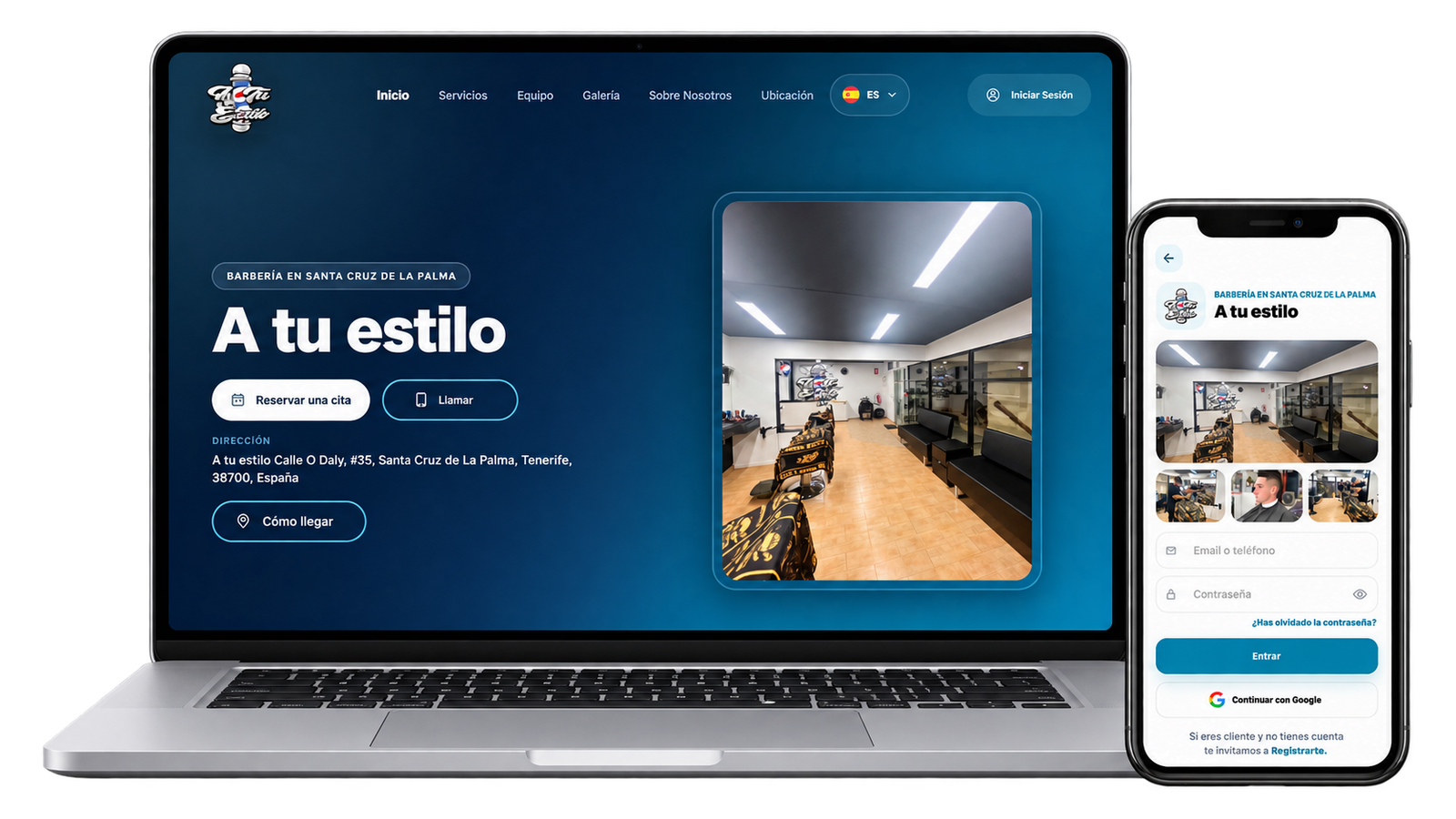
The system includes a booking website and a customer app, available on both the Google Play Store for Android and the App Store for iPhone. These tools allow online bookings and complement the digital calendar you use to organize appointments at your business. Open the link below to download the app, or copy it to share with your clients.

What can I manage in the system?

The control panel brings together your daily operations and business settings in these sections:

  • Calendar and appointments: View the calendar by professional, check availability, create appointments with one or more services, search bookings by date, check their status and cancel appointments.
  • Services: Create and organize categories and services, set descriptions, durations and estimated prices, assign professionals and control which services are active or visible.
  • Clients: Register clients, update contact details, view their appointment history and preferred professional, manage account status and configure app and email notifications.
  • Employees: Manage profiles and assigned services, configure shifts and working hours, record holidays, days off and other absences, review appointments and set access permissions and notifications. You can also share each professional’s booking link.
  • Overview and statistics: Review today’s appointments, active clients and employees, and activity charts for the business and team. Monetary amounts are estimates, not actual payments or invoicing data.
  • Business profile and online presence: Update business details, your logo, gallery, social networks and establishment rules. Set your Google Maps location and review request link, customize website colors and share your business booking link.
  • Settings: Adjust the language, time zone, reference currency, how many weeks ahead clients can book, the interval between available time slots and whether charts display estimates.
Do the charts show actual revenue or prices?

No. Chart data is based on estimates, not actual prices or recorded payments. It provides guidance on activity and should not be interpreted as actual revenue, accounting records or invoicing information.

Can my clients book without downloading the app?

Yes. They can access the booking website through your business link and book in their browser without downloading the app.

Can I share my booking link on social media?

Yes. You can copy the booking link from your business profile and share it on your Instagram, Facebook or TikTok profiles. People visiting your social media can then access your business bookings.

Does each professional have their own booking link?

Yes. Each employee profile includes a booking link filtered for that professional. You can copy and share it so their clients can access their bookings directly.

Can I create an appointment from the panel?

Yes. You can select an existing client or create a new one, choose one or more services and check available professionals and time slots. Before saving, you can review the client, professional, date, time and selected services.

Can I decide how far in advance clients can book?

Yes. In your business settings, you can set the number of weeks available for booking appointments.

Team and clients

How do I organize my team’s working hours, holidays and absences?

In each employee profile, you can configure shifts and working hours and record holidays, days off and other absences. This helps you organize each professional’s availability.

Can I limit which sections each employee can access?

Yes. In the employee profile, you can configure access permissions by section and define which parts of the system they can access.

Can I view a client’s appointment history?

Yes. In the client profile, you can view their appointment list, filter it by date and review the professional, services, time and status of each appointment.

Free trial and plan

Can I start for free?

Yes. You can start for free until you reach 50 loyal clients. After that, a single plan is available. You can check its cost on the pricing page.

Is there a minimum term?

No. The plan has no minimum commitment period.

Does BarberHi & SalonHi charge commissions?

No. BarberHi & SalonHi does not charge commissions. There are no commission fees on your bookings or services.

How many employee profiles are included in the price?

Employee profiles are unlimited and included in the plan price. You can add your entire team without paying an additional fee for each profile.

Setup and support

What happens after I request a demo?

We contact you, verify your business information and agree on setting up your environment. Setup is coordinated with you; no fixed activation time is promised here.

Do I need technical knowledge?

No. The goal is for you to manage bookings, clients and services in a simple way. Support is available to help configure your environment and get started with the system.

Can I customize my business website?

Yes. From the business profile, you can update your logo, image gallery, contact details and social media links. You can also select the website color palette and set your Google Maps location.

Payments and taxes

Does it include payments, a POS or invoicing?

No. BarberHi & SalonHi does not process payments, include a point of sale (POS) system or issue invoices. Its purpose is to organize bookings and business activity; payments and invoicing are handled outside the system.

Is it connected to tax authorities?

No. The system has no relationship or integration with the Spanish tax authority or other tax authorities. It does not submit tax returns or handle tax procedures, and does not replace the tools or processes you use to meet your tax obligations.

Start for free

Free until you reach 50 loyal clients. Then, a single plan of 30 EUR / 33 USD per month, with no commitment.

30 EUR / 33 USD
Request a demo now